.svg)
Last Updated October 27, 2026
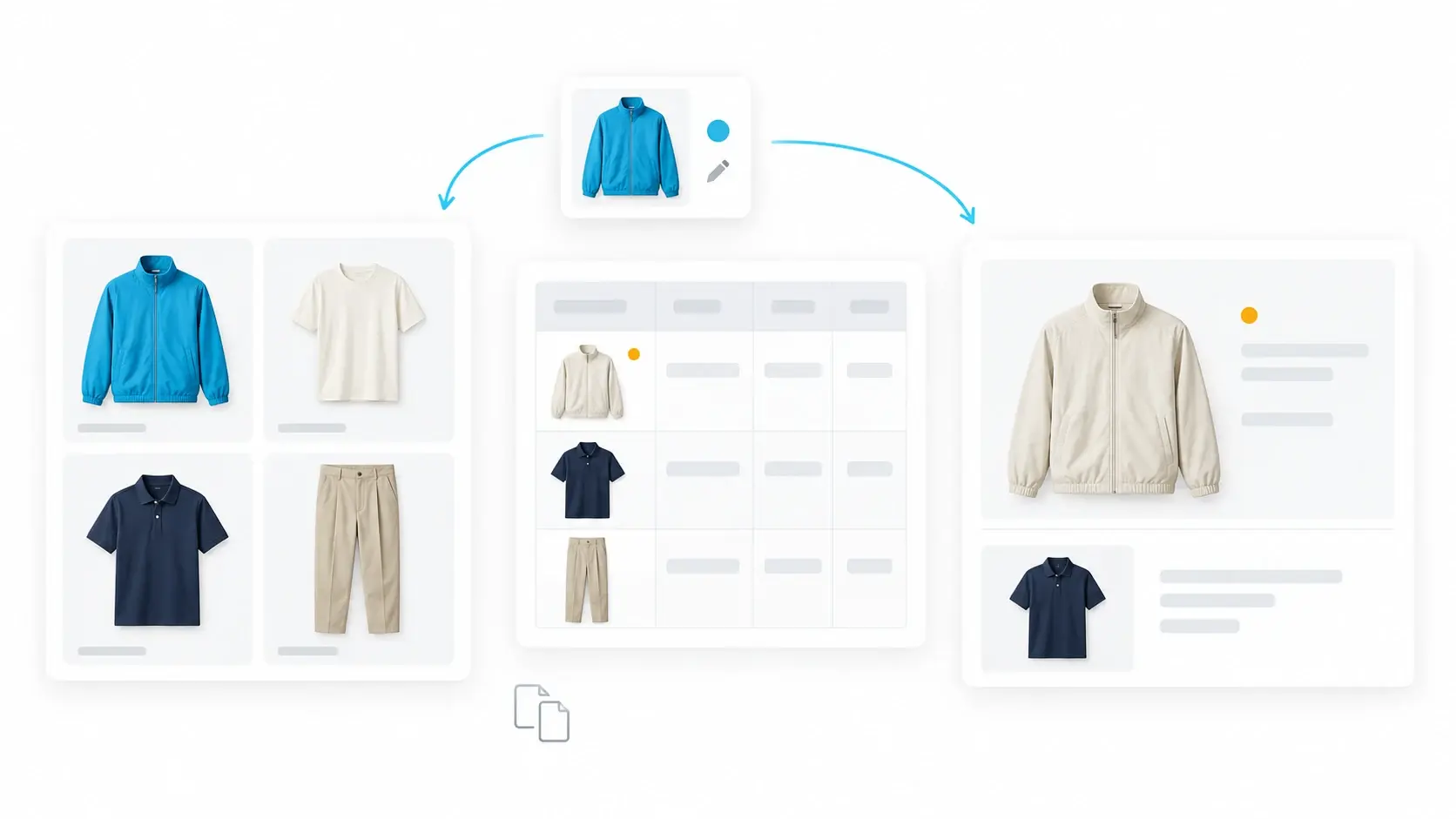
Manual work in merchandising line reviews includes gathering product images, updating assortment spreadsheets, rebuilding presentations and carrying decisions into regional views and product records. When these sit in separate files, each change creates another round of updates before teams can confidently assess the line.
The review is tomorrow. A color has changed, two styles have been cut and the cost on a key product has moved. Someone needs to replace the images, check the counts and make sure the deck reflects all three changes.
By the time the meeting starts, the presentation may look straightforward. The work required to make it accurate is much harder to see.
Why do merchandising line reviews involve so much manual work?
A merchandising line review brings product choices and commercial requirements together. Teams assess whether the assortment has the right mix of styles, colors, price points and category coverage, then decide what to keep, cut or change.
The preparation becomes repetitive when the information needed for that discussion lives in separate places. Design files hold the latest visuals. Spreadsheets hold counts and cost assumptions. Presentations hold the version leadership last saw.
A change in one file does not necessarily update the others. Someone has to find every affected version, make the changes and check the results. That responsibility can follow a product from the seasonal brief through to the PLM handoff.
Eight places manual work repeats across product creation
The infographic below maps eight recurring tasks. Sketching, evaluating feedback and choosing products require expertise. The repeated administration is the copying, exporting, reformatting and checking that surrounds those decisions.
1. Pulling together the seasonal brief
Financial targets, category needs, customer trends and prior performance arrive in different formats. Someone gathers those inputs and assembles a usable brief. When an input changes, the team must locate and update the affected material before it circulates again.
2. Creating and organizing product options
Silhouette, color, material and graphic options generate files to name, export, upload and place in the line. A designer can revise an option while an older image remains in the assortment deck. Keeping the review current depends on someone replacing that image wherever it appears.
3. Collecting feedback and circulating revisions
Comments arrive in meetings, email, chat and marked-up files. Teams need to establish which feedback was agreed, revise the product and circulate the approved version. Old files can remain in use even after the design team has completed the change.
4. Updating the line and rechecking the assortment
Products are arranged into line boards, slides and spreadsheets so merchants can assess the collection. Additions, cuts and substitutions mean rearranging those views and checking the counts again. Time goes into establishing what is in the assortment before the team can judge whether it belongs there.
The manual work behind every line review
Share this map with your team to identify where the same work repeats.
.png?width=464&height=742&name=VibeIQ%20Infographic%20September%202026%20The%20Manual%20Journey%20(1).png) Download the infographic (PDF)
Download the infographic (PDF)
5. Rebuilding the deck for leadership review
The working line becomes a separate presentation. Images are copied, products regrouped and numbers reformatted for the discussion. Changes before the meeting require another pass through the affected slides. Decisions during the meeting create the next set of updates.
6. Carrying each decision through every file
Cutting a style is one decision with several consequences. Its status, category count, color balance, cost assumptions and presentation views may all need updating. Recording the cut in meeting notes does not tell every downstream team that the product is no longer in the line.
7. Building and reconciling regional assortments
Regional and channel teams select from the global line, create local views and recalculate their counts. Separate copies add another reconciliation task: checking that local selections reflect global changes while preserving the choices made for each market.
8. Re-entering approved details into PLM
Where early product work happens outside PLM, the handoff can involve entering attributes, descriptions and images that already exist elsewhere. Teams must confirm which details are approved and which files are current. The exact handoff varies by business, but duplicate entry creates another opportunity for discrepancies.
What does this cost the merchandising team?
The immediate cost is capacity. Time spent maintaining files is time unavailable for checking duplication, challenging margin assumptions or identifying assortment gaps.
There is also a decision risk. An old product image can prompt feedback on a design that has already changed. An outdated cost can distort a margin discussion. A cut that fails to reach a regional file can leave teams planning around a product that will not proceed.
A useful leadership question is: how much of our review preparation goes into checking that the information is current?
How can teams reduce manual line review preparation?
Start with one recent product change. Trace every file, presentation and regional view that someone had to update. Record who did the work, how long it took and whether anyone continued using the previous version.
That provides a concrete basis for deciding what to connect or automate. A shared product line should let teams work from current visuals, attributes and decisions while presenting the views each function needs. Leadership should be able to review the line without requiring someone to recreate it first.
VibeIQ is a product decision platform that brings merchandising, design and planning together around one live product line. It supports the work of shaping and reviewing the assortment alongside systems such as PLM.
Use the infographic in your next team discussion. Pick one recurring task, identify the files it touches and agree what would need to change for that work to stop repeating.
Frequently asked questions
What is the difference between line review preparation and assortment planning?
Assortment planning determines the product mix needed to meet customer and business requirements. Line review preparation gathers and organizes the information teams use to assess that mix. Manual preparation becomes a burden when teams repeatedly rebuild the same information across separate files.
Does PLM eliminate manual work before a line review?
That depends on the implementation and where the work happens. When concepts, assortment views and review decks are maintained outside PLM, those files can still require manual updates. The key question is whether a product change reaches the places where other teams assess and act on it.