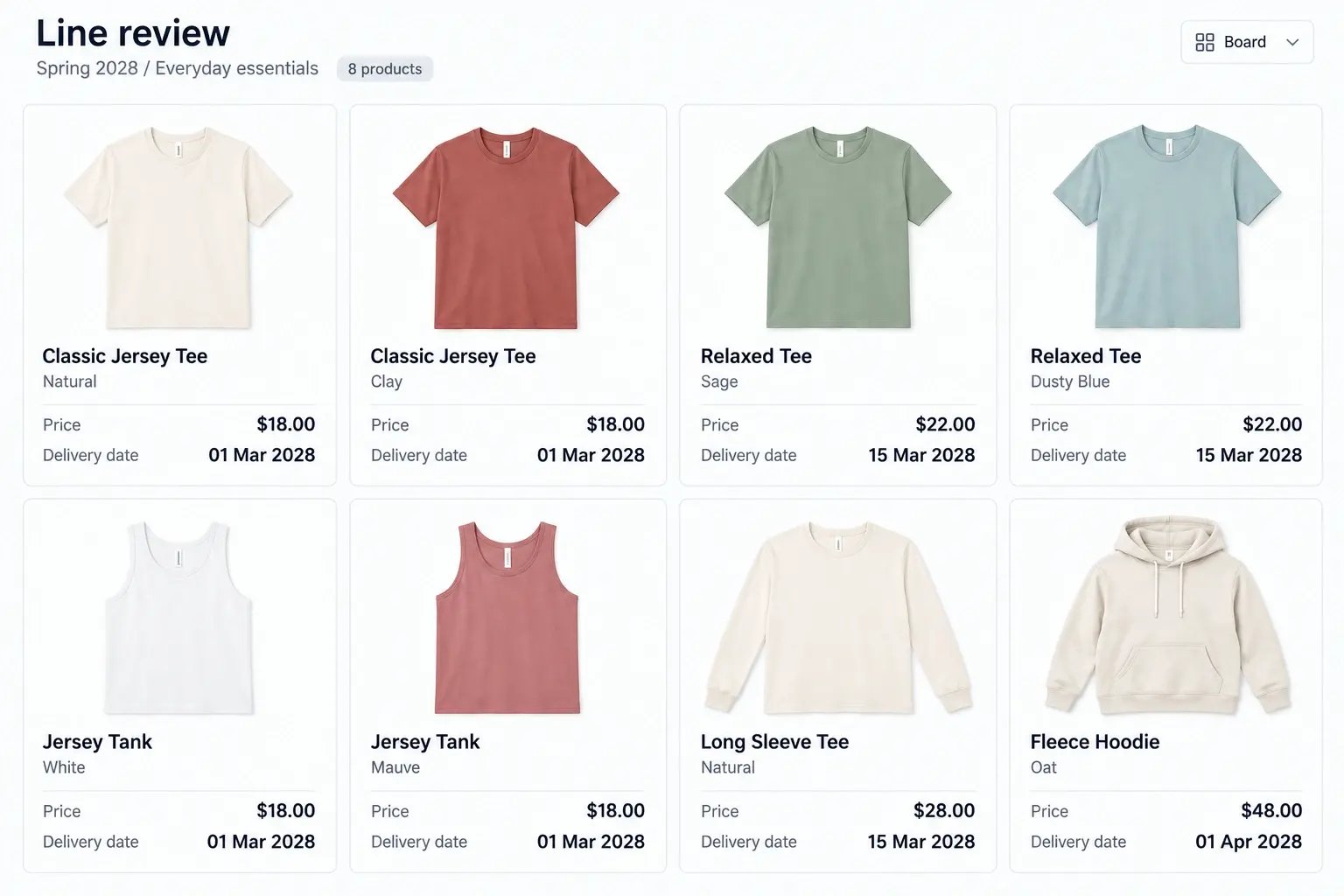
Review the line.
Move decisions forward.
Bring product imagery and details together to evaluate the assortment, capture feedback and carry agreed changes into the line.

Set up your next line review faster
Create review boards connected to your product and assortment details, then reuse the layout for each review.
Choose the season or category assortment and select the fields reviewers need.
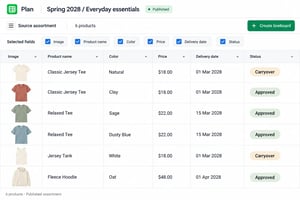
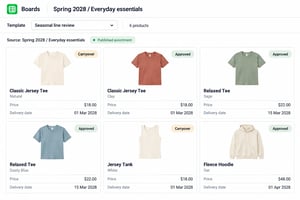
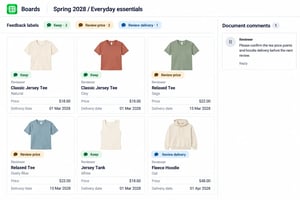
Generate lineboards using presets and templates, with imagery and attributes on each product card.
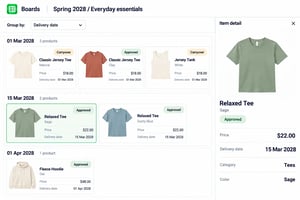
View your category by attributes like color and delivery date, with product details and comparisons in one place.
Discuss products, tag feedback, and track team input directly in the review board.
Update product details, remove options, and publish assortment changes to keep connected boards aligned.
.png?width=300&name=plan--product-screenshot--V2@2x%20(1).png)
Review the line alongside your existing tools
Keep financial planning, detailed design and development in your existing systems. Use VibeIQ to review products together and apply agreed changes to the assortment.
Common questions
A product line review is a cross-functional evaluation of a seasonal range or category. Merchandising, design, product and other stakeholders assess the proposed products and agree what should proceed, change or stop. The format varies by organization and stage of development.
VibeIQ generates visual lineboards from assortment data using selected imagery, attributes, presets and templates. That reduces repeated copying and card creation. Teams still check source data, select the review scope and prepare the discussion.
Yes. Users with the appropriate permissions can edit product information. Removing an option from an assortment uses Plan’s drop and publish steps. Dependent views may need to be refreshed; exported presentations remain separate snapshots.
Comments, mentions and annotations support feedback within the review document. Your organization defines decision authority and sign-off. Recording feedback or changing a status is separate from completing a formal approval process.
No. It can work alongside those systems, with information exchanged through configured integrations or exports. The setup depends on your data sources, field ownership and review requirements.
Yes. Use physical samples for fit, feel and performance evaluation, with VibeIQ providing the visual line, product information and review feedback around them.
Much of the time goes into rebuilding the line: exporting product data, copying images into decks and reconciling versions after each change. When review boards are generated from the same product data the team works in, preparation shifts from assembling slides to checking the line.
Agree the review scope and decision owners in advance. Review the line as a whole against category targets before discussing individual styles, record add, change and drop decisions with the reasons behind them, and confirm the published line afterward so every team works from the same version.
Bring your next line review to the conversation
Tell us how you prepare a season or category, who reviews it and what happens when a product changes. We’ll use that workflow to guide a live walkthrough of a representative range.